
Smarters PRO Account: Setup and Plans
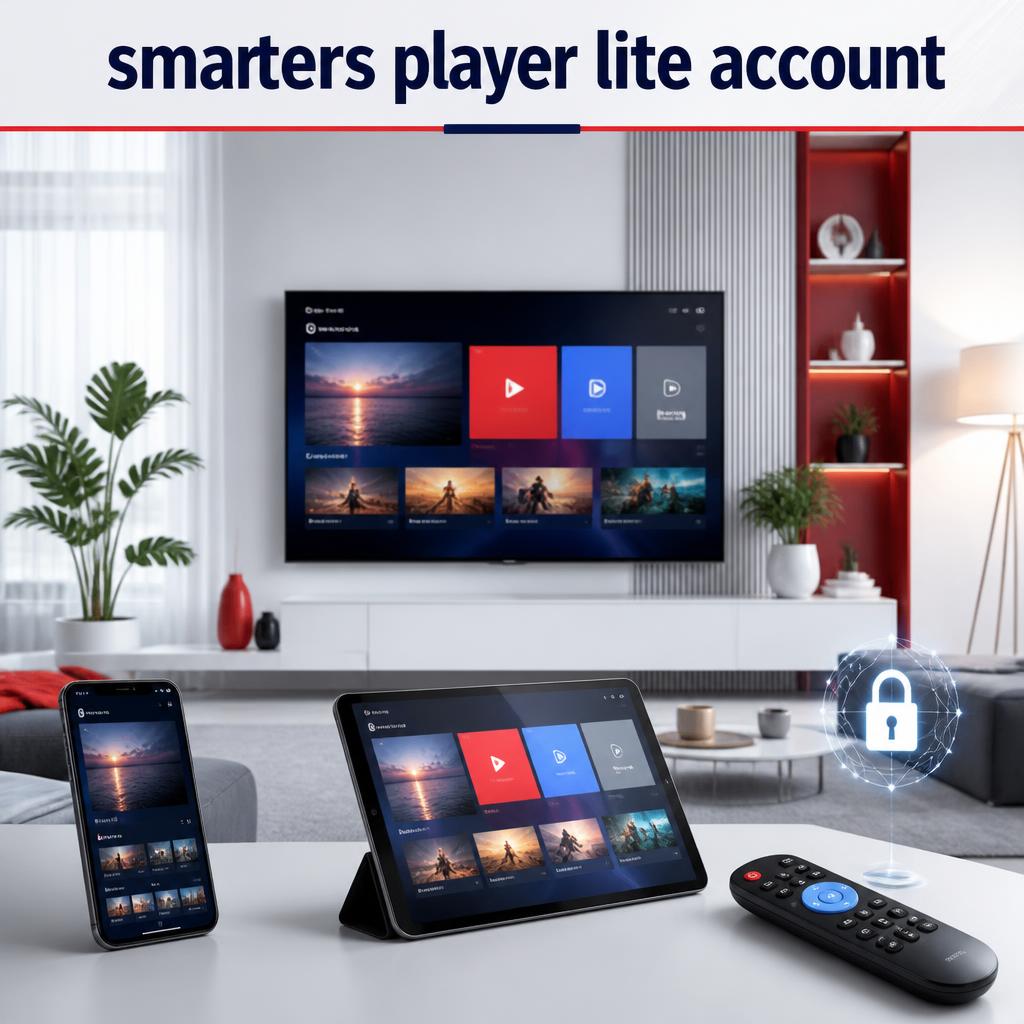
A Smarters PRO account usually refers to the profile and connection details used inside the media player. The app does not create a content subscription by itself. This guide explains account setup, profile security, compatible devices and plan selection. If you need active details, start with our plans and pricing.
Only connect playlists and media that you are legally authorized to use.
What is a Smarters PRO account?
The local profile in the app stores the login method and details supplied by your service. Depending on the method, this can include a username, password, server address or playlist URL. It is separate from an Apple, Google, Amazon or television account.
How to add an account profile
- Install a compatible version from your device’s official store.
- Open the app and choose Add User or Add Profile.
- Select the method matching the supplied details.
- Enter a clear profile name and all details exactly.
- Save the profile and allow synchronization to finish.
See our application guide for supported devices and installation information.
Manage devices and account security
- Never post login screenshots in public communities.
- Remove the profile before selling or giving away a device.
- Use a device screen lock where available.
- Keep the player and operating system updated.
- Respect the simultaneous-screen allowance of the plan.
Account errors and quick solutions
| Problem | Check | Solution |
|---|---|---|
| Account not authorized | Access status and server URL | Confirm the details with support |
| Profile will not load | Internet and device time | Restart the app, device and router |
| Works on one device only | Screen allowance | Close another session or upgrade |
| Forgotten details | Original service message | Request secure assistance |
Choose the right account plan
Basic lasts three months, Economic six months and Express one year for 39.99 EUR. Platinum includes two simultaneous screens. Compare the complete features on the subscription page.
Account FAQ
Can I create free login details inside the app?
No. The media player does not generate a content account or subscription credentials.
Can I add more than one profile?
Some versions support multiple local profiles, but each profile must use valid authorized details.
Does deleting a profile cancel a subscription?
No. It generally removes only the local profile from that device.
How do I request account help?
Use our contact page and provide the device model and error message without sending a password publicly.
Need a plan for your account? Compare durations and request activation.
Ready to choose your subscription?
Compare Standard and VIP plans to find the right duration and options for your devices.